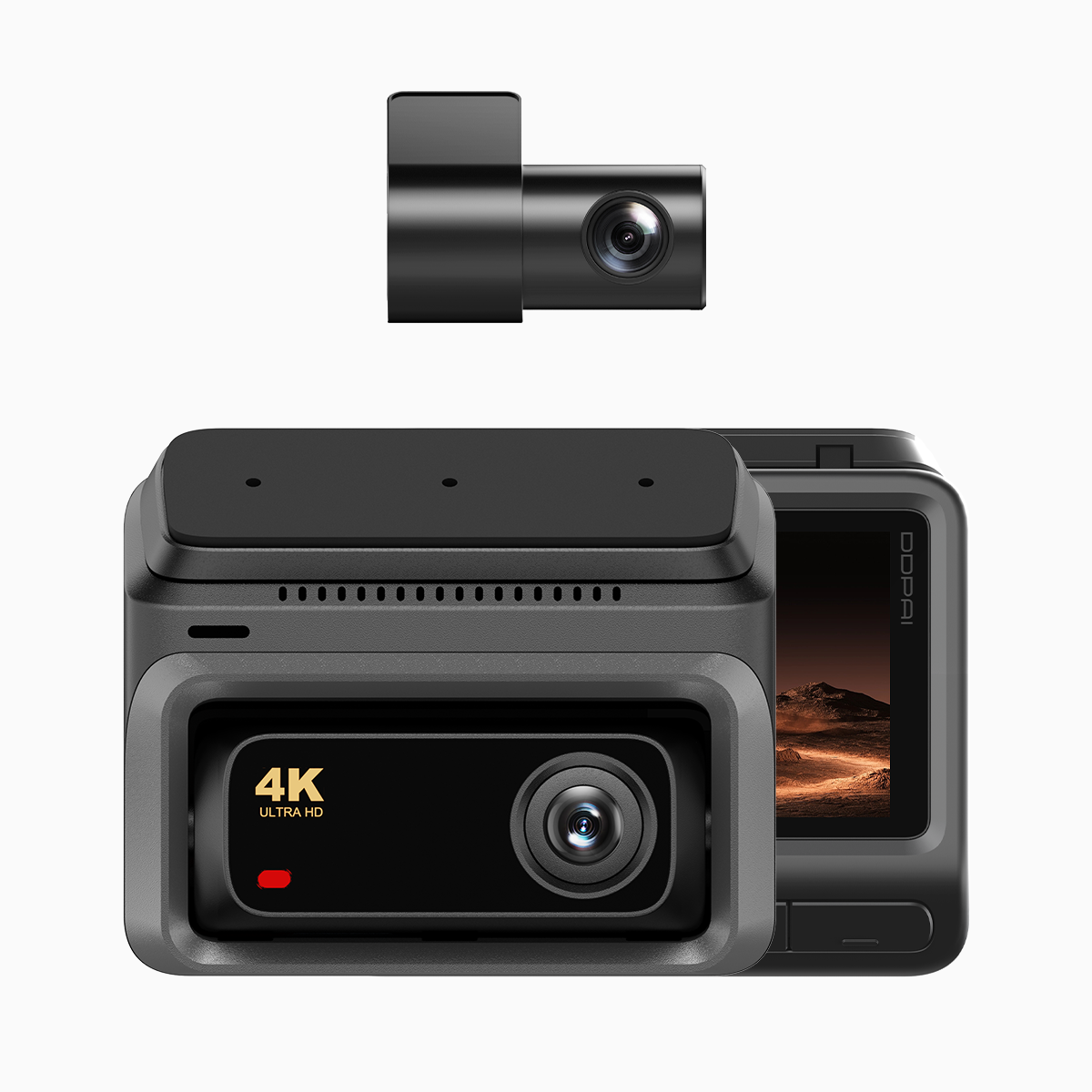
Why everyday drivers notice the difference
People want simple proof when something odd happens on the road. A tiny box that remembers things helps a lot — especially a 4g dash cam that saves crisp clips and save space. When your camera records clear video and sound, you can show what really happened without guessing. This piece is about what matters to you: usable footage, small files, and clear voices.
Video that stays sharp but doesn’t gobble storage
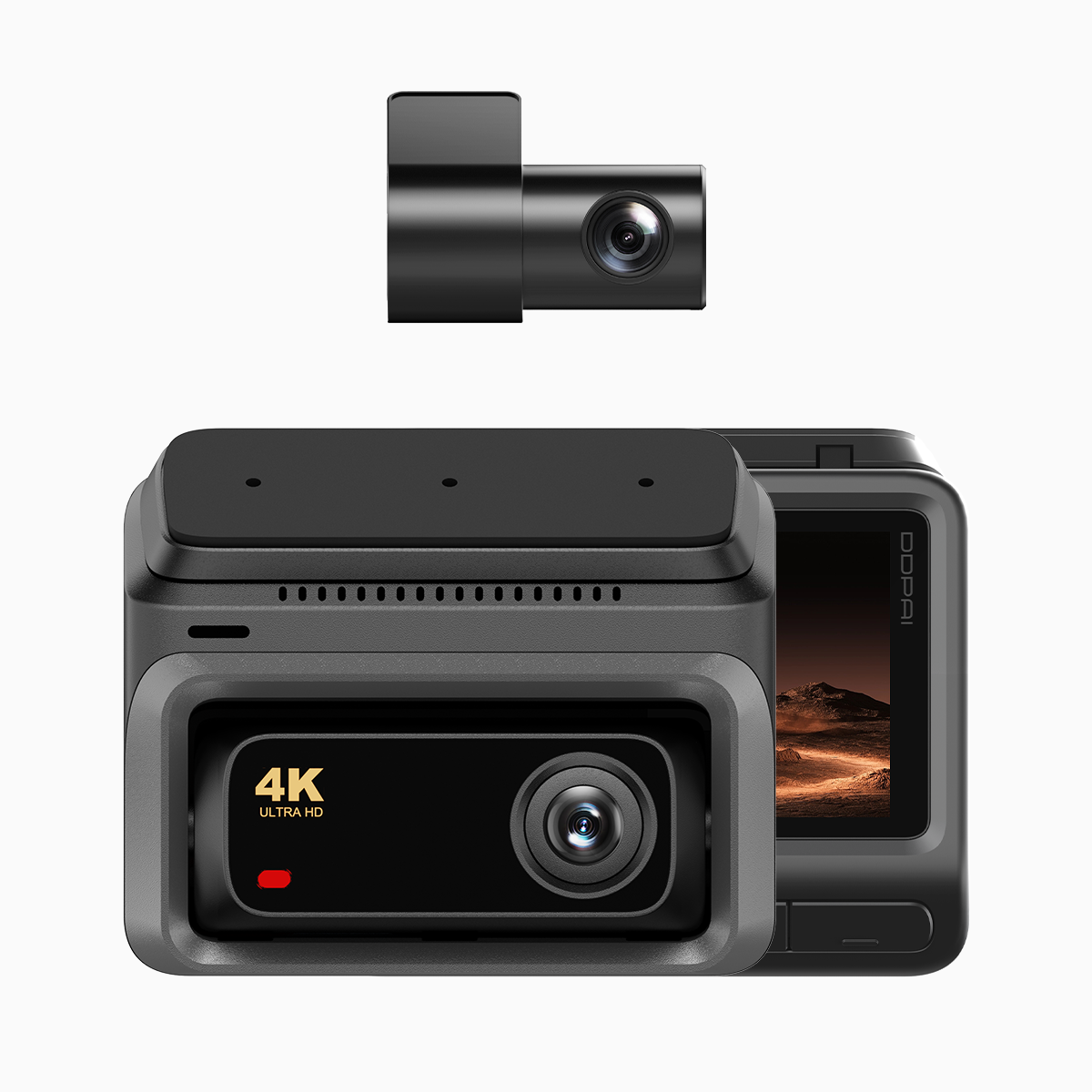
Good dashcams use clever video compression like H.265 so footage looks sharp but files stay small. That matters when you record long drives or keep multiple rear and front channels. Pay attention to bitrate and frame rate: higher bitrate helps detail in busy scenes, and a steady frame rate keeps motion readable. Also, 4K sensors give more detail at freeway speeds or in parking lots, but they need smart compression to avoid full memory cards every day.
Why audio matters as much as pixels
Sound captures what the camera can’t show. A horn, a shout, or a brake screech can change who did what. Clear onboard microphones reduce muffled noise and help police or insurance understand events. Wind and engine rumble can hide voices — good dashcams use audio filters and placement to keep things understandable. 4G LTE connectivity also helps send clips quickly to your phone or cloud when you need them fast.
Real people, real roads — a quick scene from Metro Manila
On EDSA in Metro Manila, drivers often share stories where dashcam clips mattered for reports to agents and officers. One commuter used front and rear footage to show a near-miss at a merge — the video plus the driver’s voice made the timeline clear. The camera’s codec and sync between video and audio proved the sequence to the officer. Small tech, big help. — It felt reassuring to everyone involved.
Common mistakes drivers make
New buyers often pick the highest resolution and forget other needs. They fill cards with big 4K files and then lose older clips fast. Other mistakes: ignoring low-light performance, using low-quality mounts that shake footage, or skipping cloud backup so clips vanish after an accident. Also, neglecting firmware updates can leave features like H.265 support or 4G LTE uploads out of date.
How to pick a sensible setup
Think in user terms: what do you want the clip to prove? Choose balanced specs that match that goal.
Practical checklist:

- Resolution vs. storage: prefer H.265 compression so 4K works without huge cards.
- Audio clarity: look for good mic placement and noise filtering.
- Connectivity: 4G LTE helps upload evidence fast after an incident.
- Mount stability and parking mode: steady footage and motion-triggered recording matter overnight.
Alternatives and what they cost you
Some models favor tiny file sizes with aggressive compression but lose fine detail in license plates. Others keep every pixel but demand big storage and frequent maintenance. Hybrid units that record 4K on the front and 1080p on the rear give a good trade-off. Consider whether you need constant cloud backup or just local microSD storage — each choice changes monthly cost and convenience.
Three golden rules for choosing a dashcam
Measure what matters. Here are three clear metrics to judge any set-up:
- Evidence clarity: readable plates and synchronized audio-video — test in daylight and at night.
- Retention efficiency: how long useful footage stays before overwrite, based on bitrate and H.265 handling.
- Accessibility: speed of getting clips off the device, via Wi‑Fi, 4G LTE, or cloud export.
For everyday drivers who want dependable proof, a thoughtful balance of codec, audio capture, and connection is the answer. Real people on busy roads — like those on major Manila routes — rely on that balance when things go wrong. Clear proof.