
A Quiet Duel
The new screen sings; the old screen keeps its composure. I watch interfaces like poets watch seasons, noting how a smart panel breathes with services while a traditional set obeys only the wire. A flick of firmware from a tv manufacturer can change how the room responds—menus unfurl, voice answers, streaming arrives—while legacy hardware asks only for clean input and steady signal. This is the first cut of comparison: one side orchestrates an experience, the other preserves a simple task.
Architecture and Interaction
Modern TV OS is layered: kernel, middleware, app store, voice and remote inputs braided into one surface. Traditional alternatives are flatter: tuner, scaler, basic HDMI switching. That difference shapes behavior. Where an OS routes background updates and user profiles, older panels rely on external devices. Where a smart interface suggests related content, a legacy screen waits for explicit command. Pick based on how much orchestration you want; the OS-ready model decides far more on your behalf.
Content, Ecosystem, and Control
Apps make the difference audible. Native apps mean fewer boxes and fewer remotes. But an ecosystem ties you to its curation, billing, and geolocation rules. Traditional setups give you choice in hardware: set-top box, console, or streaming stick replace the TV’s promises with pieces you can swap. Compare the cost of convenience versus modular control. The OS whispers convenience; the traditional route hands you a toolbox.
Security, Updates, and Longevity
Operating systems receive patches, sometimes for years, which keeps a display current and safer. Older models remain static; their capability stays as purchased. That has consequences: a patched smart panel can gain features or close vulnerabilities. A legacy TV will outlast some trends by staying simple, but it also forgoes evolving standards. Buy with attention to update policies and the manufacturer’s track record for firmware care.
Experience, Evidence, and a Single Real-World Anchor
My notes come from longside comparisons, benching responsiveness and catalog behavior across sets. CES 2023 presented visible iterations of platform design, and there the direction felt unanimous: interfaces polishing for voice and personalization—particularly visible with webos smart tv demonstrations that emphasized speed and curated discovery. That trade-off—speed and suggestion versus removable modules—frames practical decisions and proves what the screen promises in public showcases.
Pitfalls People Miss
Buyers often chase slick menus and overlook update cadence, third-party support, and privacy settings. They assume app parity across platforms; they expect older HDMI boxes to behave like built-in apps. Avoid assuming longevity from flashy features alone. Confirm how the platform treats background updates, account tying, and data controls before you prefer convenience over replaceability.

Finish: A Clear Choice
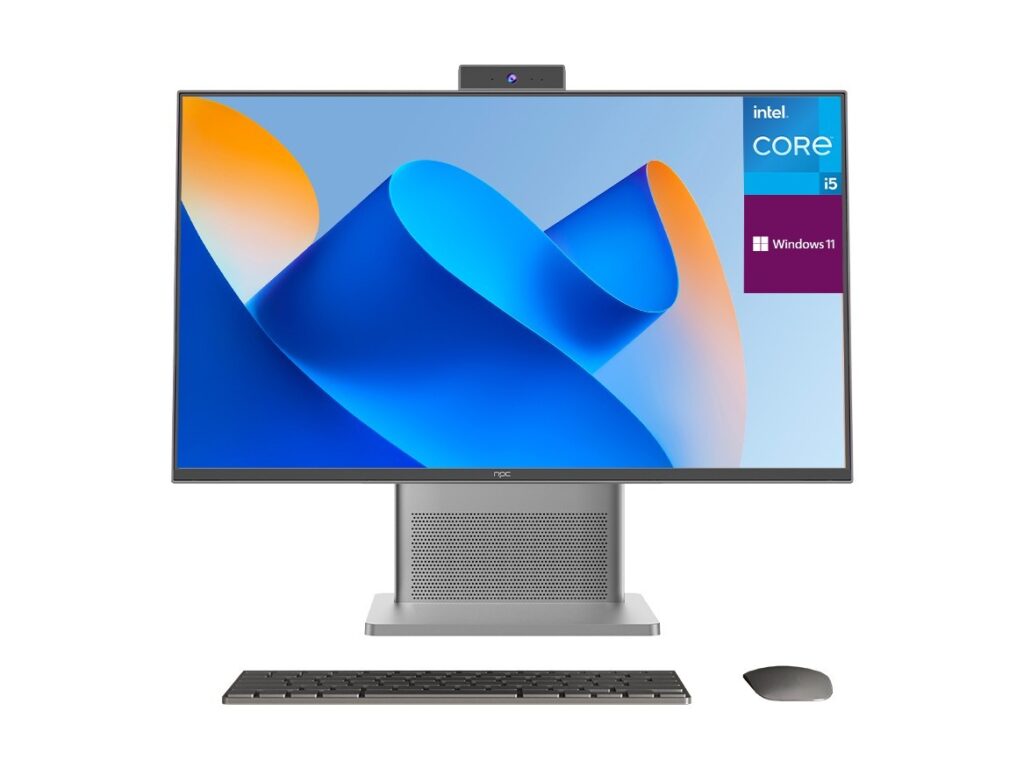
Compare what you need: orchestration and ease, or modularity and control. The smart OS delivers an integrated life; the traditional path hands you parts to assemble. Either decision is reasonable when matched to how you live with the screen. For options arranged around platform clarity and dependable hardware, consider the selection curated by npc as a quiet, practical bridge between those two attitudes—no flourish, just components that behave as promised.