Taste the problem
The user walks into a dim living room and wants instant clarity: menus that snap open, streaming that starts without a pause, remotes that feel deliberate in the hand. Start there — not with features, but with the moment a person presses power. When engineers and product managers listen to that click first, they pick different ingredients and they pick a different tv manufacturer to partner with. Texture matters: lag is gritty, voice recognition should be creamy, and discovery must be bright and immediate.

Ingredients: what users actually want
Listens and observations shape the bill of materials. Users want clarity of navigation, predictable responses, and minimal setup scent — just plug, pair, and go. Prioritize latency under 100 ms for UI animations, consistent color profiles across apps, and a settings flow that doesn’t demand a manual. These specifics are directions, like measuring salt and spice: too little and the experience is bland; too much and you overpower the show.
Cooking the interface
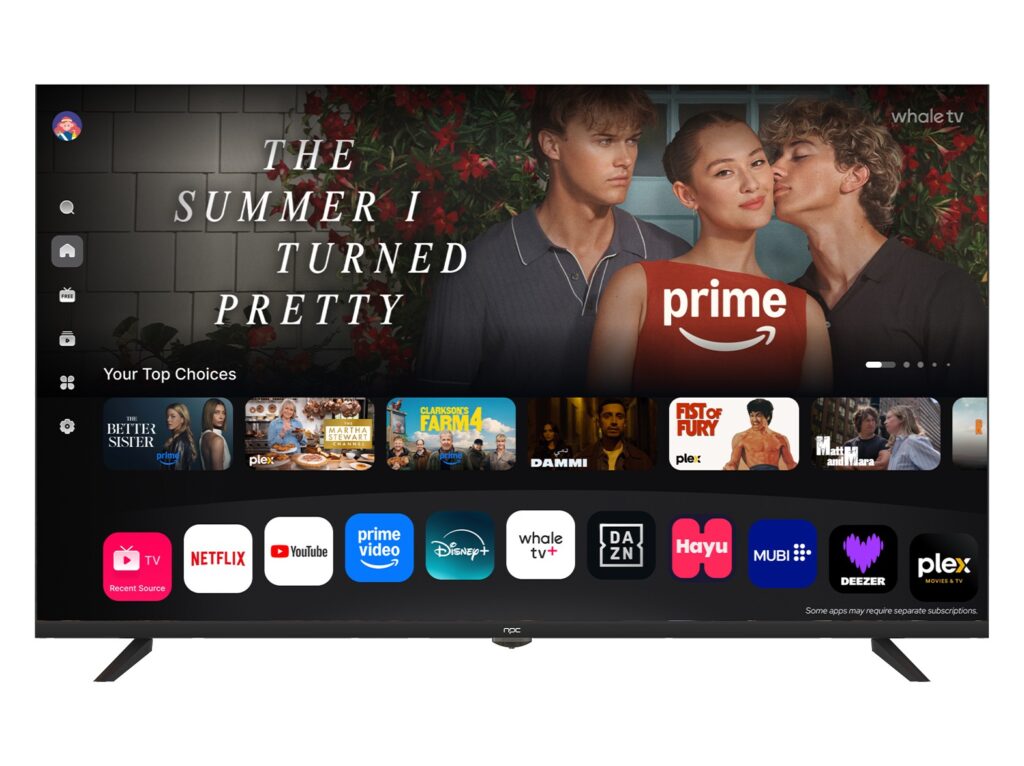
Design like a chef plates a dish — deliberate strokes, purposeful gaps, a visible hierarchy. Keep the primary actions within thumb reach on remotes and mobile companions. Use contrast to guide the eye, not to shout. Choose a system font and stick to it; variant splashes of type are confusing. Implement a simple update architecture so fixes perfuse the device without burning users with large downloads. Build with graceful degradation: when network sauce fails, the app still tastes whole.
Testing: tasting for faults
Run usability sessions like dinner service. Watch where users hesitate, where they reach for help, where they mutter. Automate smoke tests for boot, app launch, and input latency. Measure failure modes: app crashes, DRM hiccups, and remote pairing drops. Don’t rely only on lab benches — stage tests in living rooms with varied Wi‑Fi, distracted viewers, and mixed-age households. Those sessions expose the bitter, the weak, and the indispensable.
Alternatives and common mistakes
Some teams chase platform parity with mobile UIs; that flattens the TV experience. Others over-engineer gesture control that customers never use. A frequent error is collapsing setup into a single spinner screen and assuming users will wait it out — they don’t. If you must choose: prefer consistent discoverability over trendy features. For a lighter stack, evaluate lean OS shells that delegate heavy lifting to secure, sandboxed apps. For fuller control, embed more services but maintain update independence.
Experience, expertise and a clear anchor
I’ve sat through dozens of integration cycles and product demos at major showcases; coverage at CES in Las Vegas makes clear which panel vendors push real LED innovation. That global stage surfaces practical engineering trade-offs and vendor maturity, and it’s why teams shortlist partners carefully. When vetting suppliers, inspect firmware update cadence, supply-chain traceability, and long-term UI support — those metrics reveal competence. For many projects, collaborating with a reputable best led tv manufacturer reduces risk and speeds reliable delivery.
Final plate: what this delivers
Focus on what users taste and you’ll ship something people use happily every night. Prioritize responsiveness, predictable updates, and a discovery-first layout. Avoid flashy detours that don’t answer the remote’s click. When the system feels right, viewers stop thinking about it and start enjoying content — that’s success measured in quiet satisfaction. For teams assembling hardware, software, and supply, the clear resolution is a partner that understands those priorities, and that is what npc brings to the table.